Connect MCP in Cursor
Give Cursor agents offline schema diff tools and hosted watch access — one MCP server, no polling until you add an API key.
Prerequisites: Node.js 20+, the DriftGuard OSS repo built locally (npm ci && npm run build), and optionally a hosted API key from /activate.
What you will configure
-
Build the MCP server
Compile TypeScript so
dist/mcp/server.jsexists. -
Add DriftGuard to Cursor MCP settings
Point Cursor at the local server entry with absolute paths.
-
Verify offline tools
Run
compare_jsonandparse_mcp_configwithout network. -
Enable hosted tools (optional)
Set
DRIFTGUARD_API_KEYfor watches, drift explain, and coverage.
Step 1 — Build the MCP server
Clone and build once per machine. The MCP server runs on stdio — Cursor spawns it as a child process.
git clone https://github.com/kioie/driftguard.git
cd driftguard && npm ci && npm run build
# Entry point: $(pwd)/dist/mcp/server.js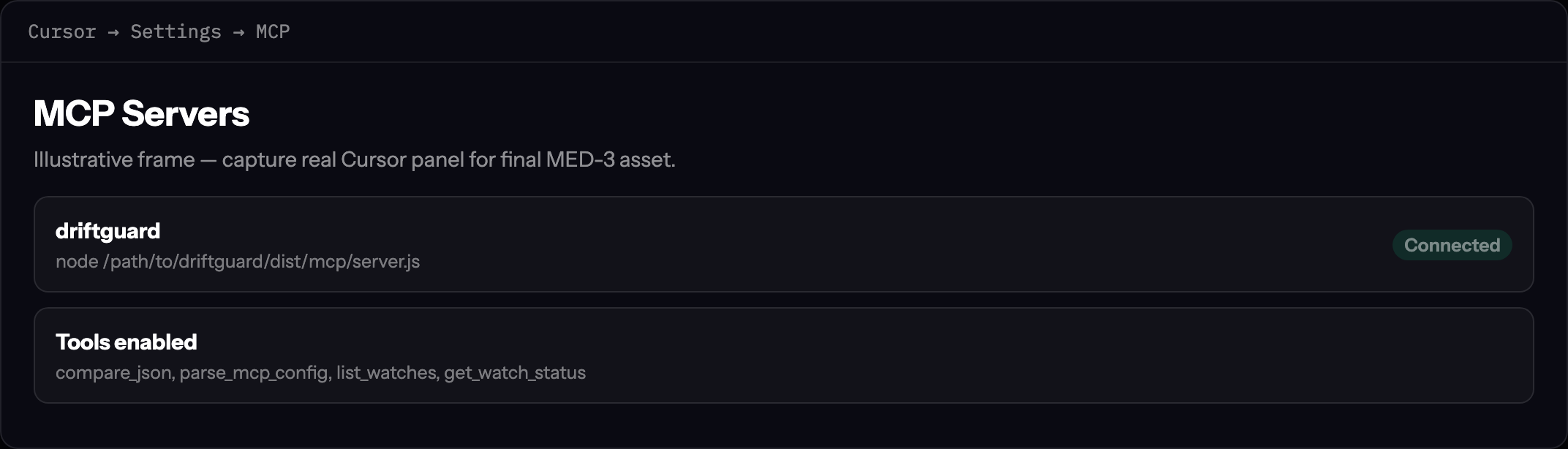
Step 2 — Open Cursor MCP settings
In Cursor, open SettingsMCP and edit your user or project mcp.json. Add a driftguard server block:
{
  "mcpServers": {
    "driftguard": {
      "command": "node",
      "args": ["/absolute/path/to/driftguard/dist/mcp/server.js"],
      "env": {
        "DRIFTGUARD_API_KEY": "dg_live_…"
      }
    }
  }
}
Omit DRIFTGUARD_API_KEY for offline-only mode. Use an absolute path — tilde expansion is not reliable across MCP clients.
Step 3 — Verify offline tools
Ask the agent to diff two JSON blobs or parse an mcp.json snippet. These tools work without network:
compare_json— breaking / warning / info classificationparse_mcp_config— preview URLs from a local MCP config
In Cursor chat, try: “Use compare_json on these two OpenAPI fragments and list breaking changes.”
Step 4 — Add hosted tools
Copy your API key from ConsoleAccountAPI keys or /activate. Restart Cursor after updating mcp.json.
Hosted tools (require key): list_watches, get_watch_status, explain_drift, assert_coverage. Missing key returns a clear trial/pricing message — never a silent failure.