Set up your first watch
From signup to a running snapshot schedule in five minutes — REST OpenAPI, vendor URLs, or MCP tools/list catalogs.
Overview
A watch stores scheduled snapshots of an external contract. DriftGuard diffs each snapshot against the previous baseline and classifies changes as breaking, warning, or info.
-
Start the free trial
Paste a vendor URL at /start — no credit card.
-
Review watch suggestions
Confirm name, poll interval, and snapshot strategy.
-
Copy your API key
Use /activate or the console account panel.
-
Verify the first snapshot
Open the watch in console and confirm OK or baseline captured.
-
Wire alerts (optional)
Route breaking drift to Slack or a webhook.
Step 1 — Start the trial
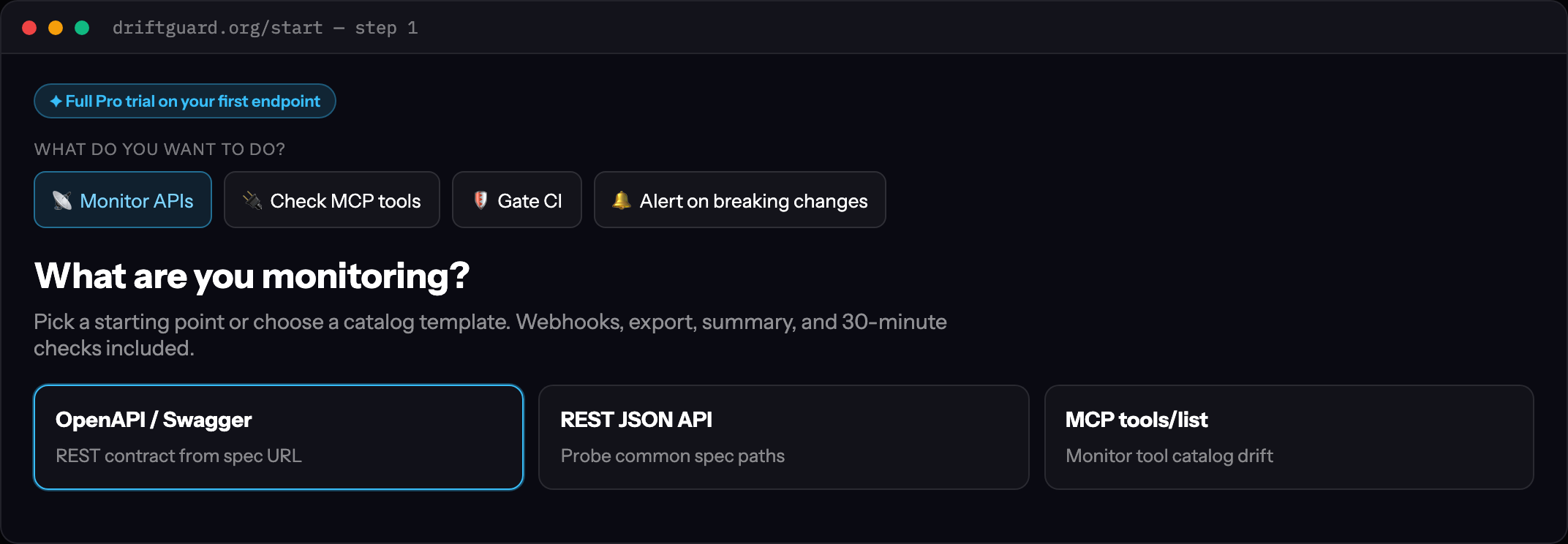
Visit /start and paste one of:
- An OpenAPI or Swagger URL (
https://api.example.com/openapi.json) - A REST base URL (DriftGuard probes common spec paths)
- An MCP server URL for
tools/listmonitoring
Click Start free trial on the suggestion card. Trial includes full Pro features on one watch.
Step 2 — Confirm the watch
The wizard calls POST /api/watches/suggest to infer vendor, snapshot type, and display name. Review:
- Poll interval — trial plans use daily snapshots; upgrade for hourly.
- Watch type —
openapi,rest, ormcp. - Headers — add auth headers if the spec requires a token.
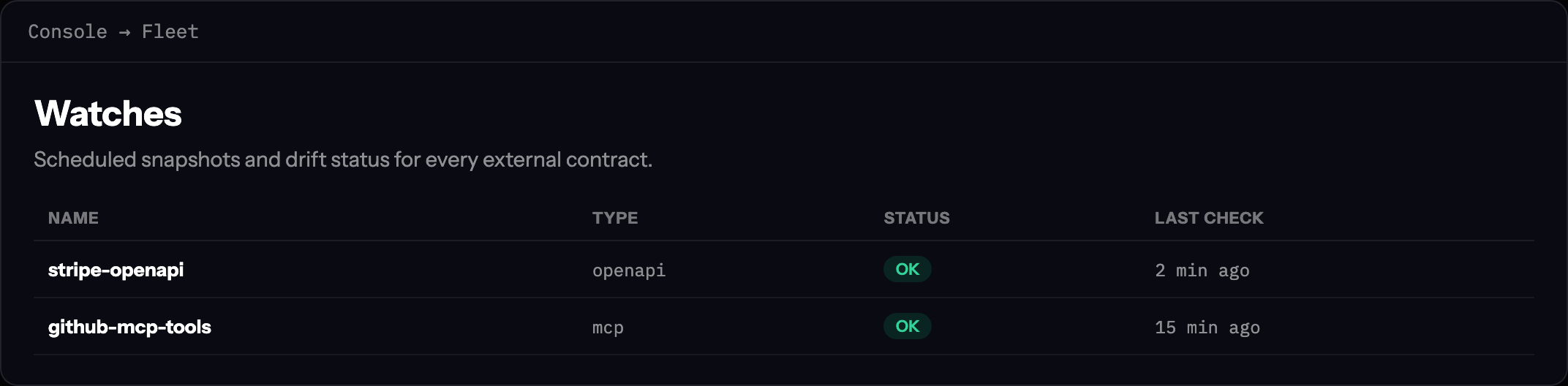
Confirm to create the watch. You land in ConsoleFleet with your new row.
Step 3 — Copy your API key
For CI, MCP, or API automation, copy the key from ConsoleAccountAPI keys or the post-checkout /activate page.
export DRIFTGUARD_API_KEY=dg_live_…
export DRIFTGUARD_API_URL=https://driftguard.org
Step 4 — Verify the first snapshot
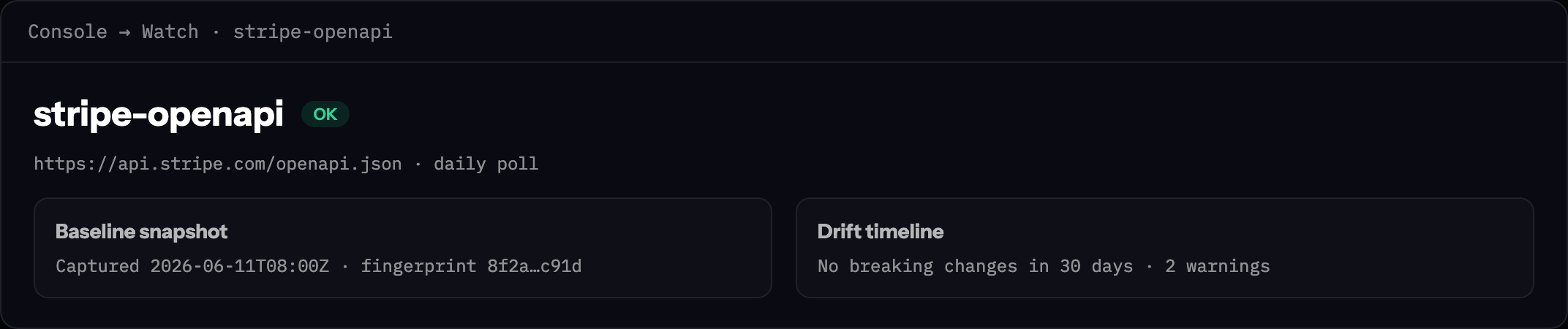
Open the watch detail panel. The first successful poll establishes the baseline schema. Status shows OK when no drift is detected.
Trigger an on-demand poll from Run now if you do not want to wait for the schedule.
Step 5 — Wire alerts
Under Alerts, connect Slack, PagerDuty, or a signed webhook. Start with breaking-only to avoid noise on info-level vendor tweaks.
Webhook payload reference: webhooks & alerts (OSS).